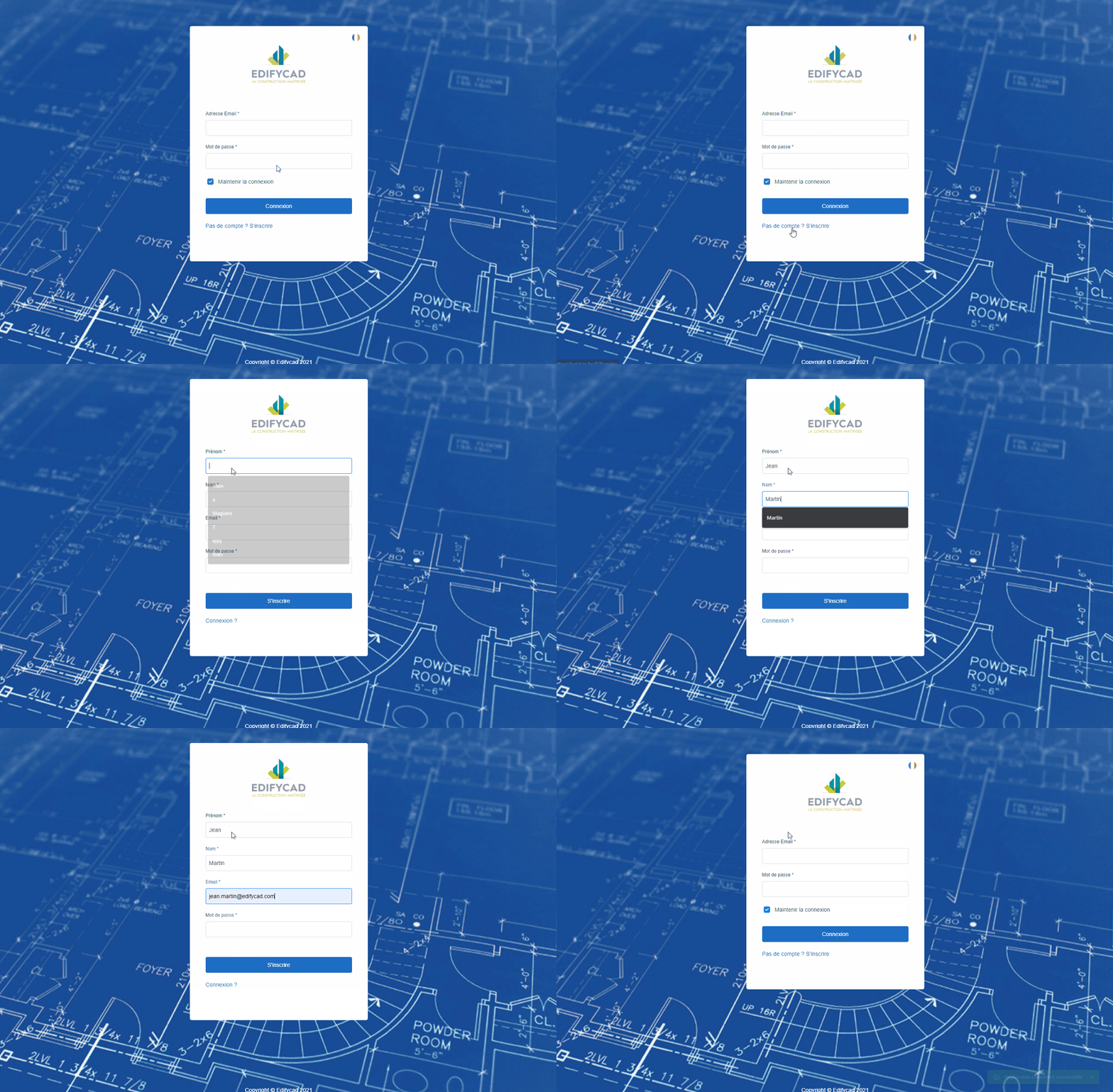
To connect, please enter the server name in the address bar of your web browser:
Example: https://edifycad.bim.fm
No account ?
You need to create an account to access the platform. To do so, click on the “No account? Register” link.
You will then be redirected to the registration form, then fill in the requested fields:
- First name,
- Last name,
- Email address,
- Password (the password must contain a capital letter, alphanumeric characters and at least one specific character such as “$, +, !, etc…” example: “Aze123$”)
Then click on the “Register” button, once you have registered, you can then log in with your email address and the password entered previously.