To add a new user:
- Click on the “Users & groups” button in the toolbar, a vertical panel will open,
- Click on the button “Add a user” and it will be necessary to fill in the form of the dialog box
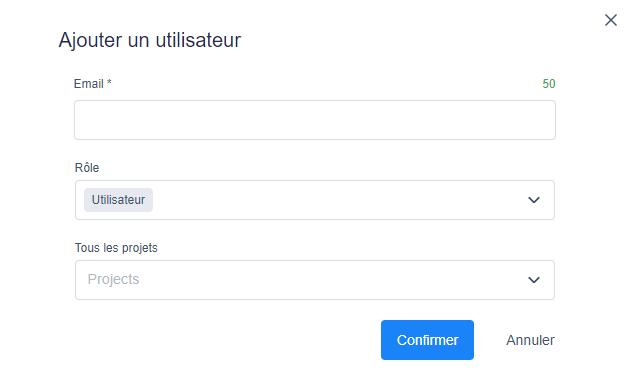
- Renseigner l’email du nouvel utilisateur,
- Le rôle de l’utilisateur en question “Administrateur” ou “Simple utilisateur”,
- Rattacher le(s) projet(s) à l’utilisateur
3. Then click on “Confirm” to add the new user to your workspace
