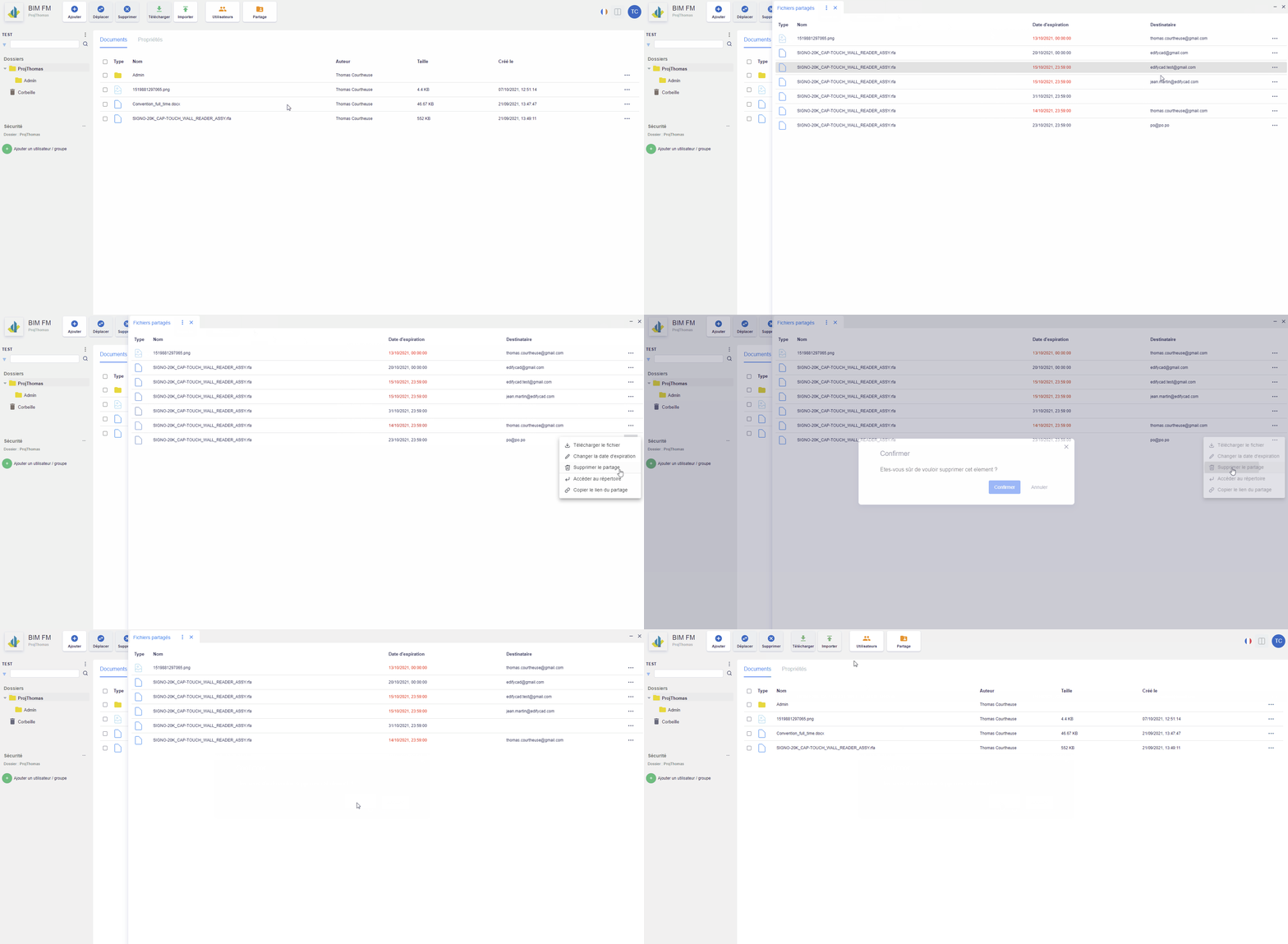
Delete a share Print Via the “Share” button: Click on the “Share” button located in the top navigation bar,Click on the “…” icon at the end of a share line, an action menu will appear,Click on the “Delete” action,A modal window opens, click on the “Confirm” button Deleting a share Doc navigation← Update a file in a share Updated on June 30, 2023 Was this article helpful to you?