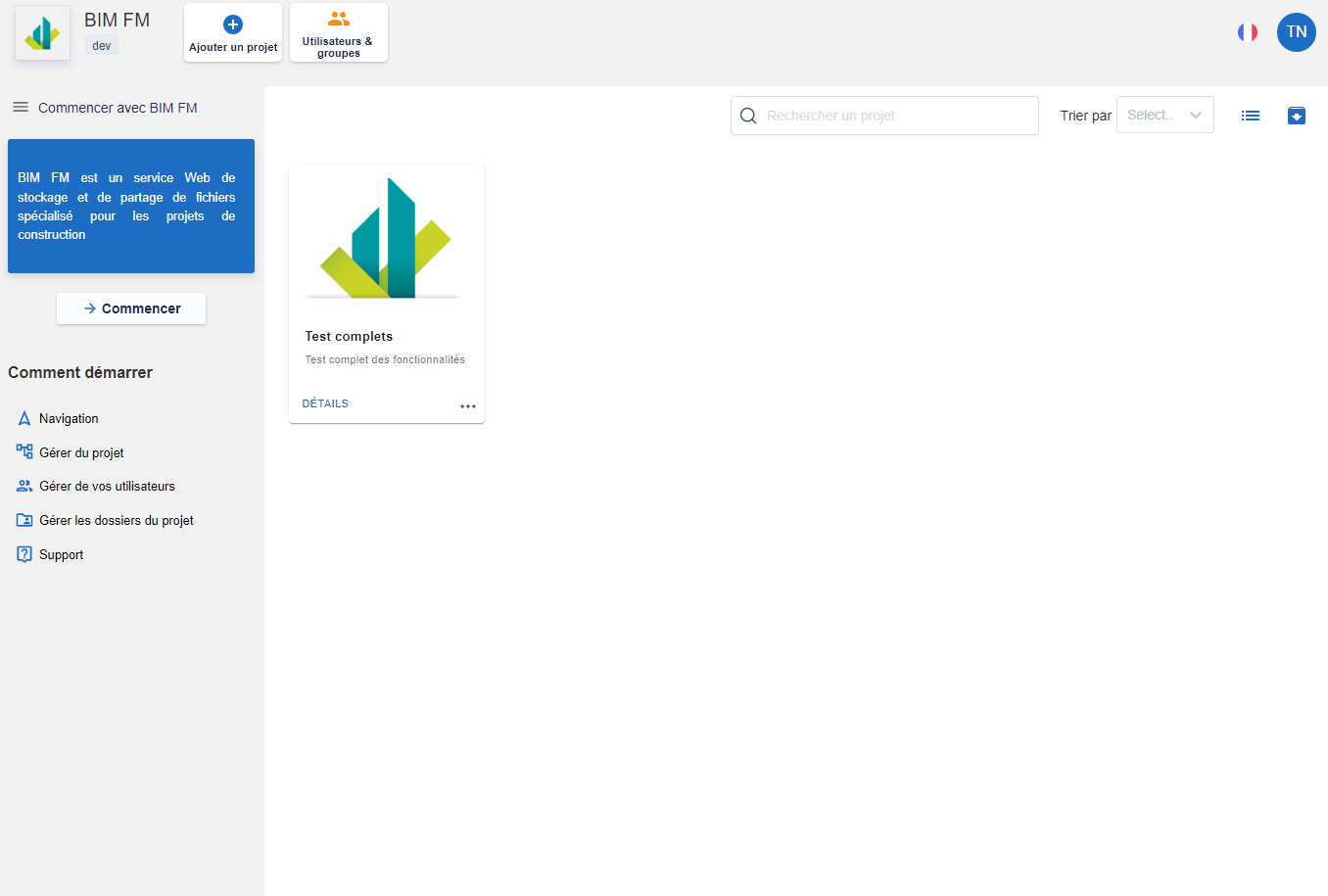
Via this dashboard, you can manage all the projects in your workspace as well as the workspace users.
The navigation menu on the left gives you quick access to user guide articles.
The central part contains the list of all the projects. You can through this interface:
- Search for projects by their name, sort them by “Name” and “Color” if the property is filled in
- Change the type of display (List or as a card),
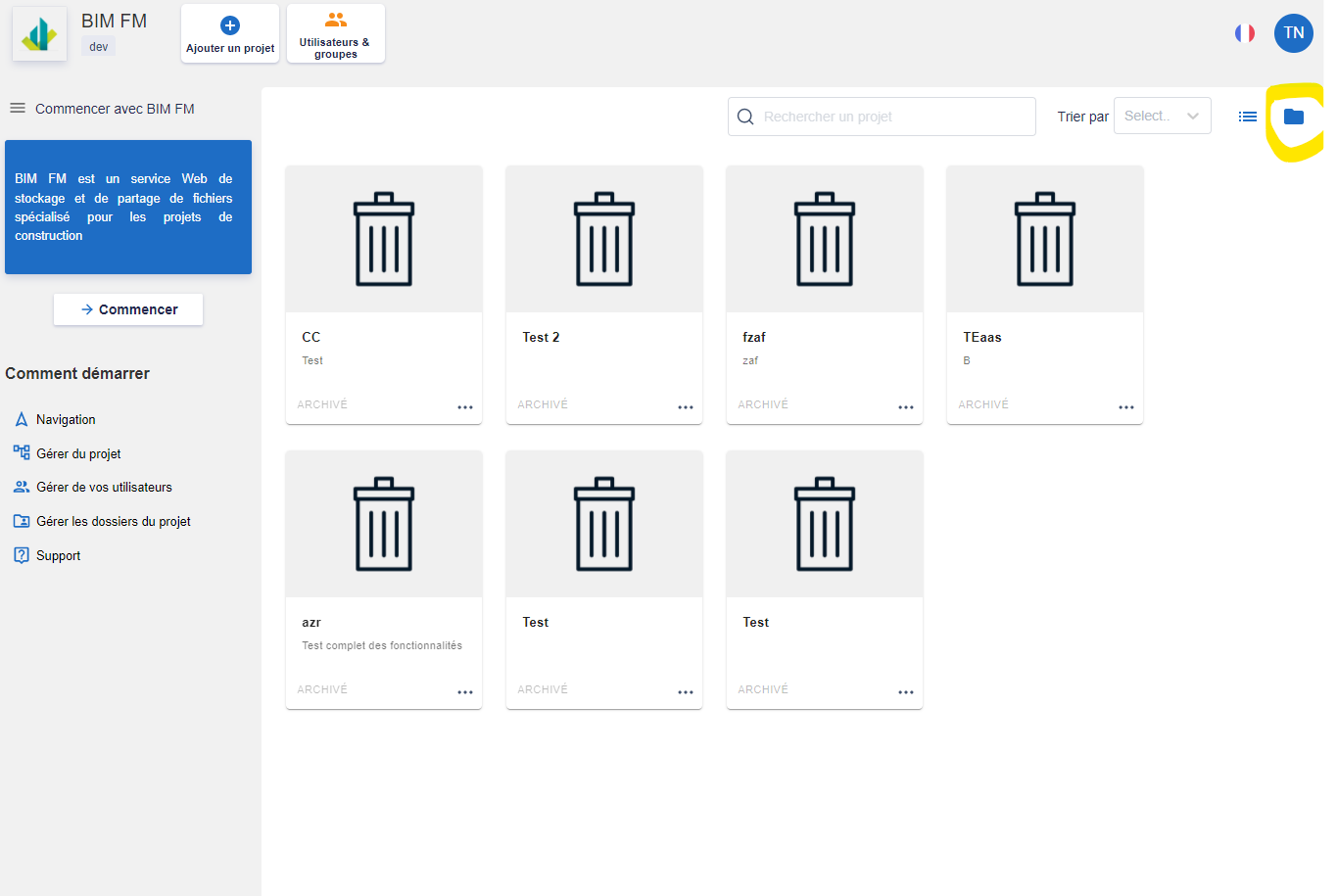
- View archived projects
Actions on your project
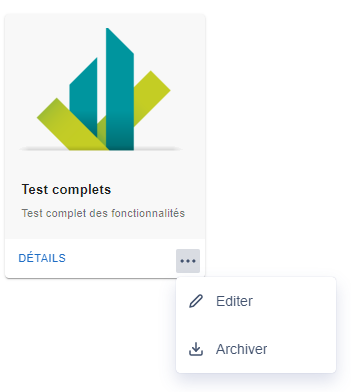
You can manage your project by clicking on the “…” button which will open a menu of actions.
- Edit the name/description of the project,
- Archive the project
Archiving a project does not permanently delete your project. You can restore it at any time by accessing the archived projects interface by clicking on the icon at the top right