On the platform, you can import all types of files, but it is also possible to have a visualization of certain types.
An image viewer is integrated into the platform, it manages the following types:
– .png,
– .jpeg,
– .jpg,
– .gif,
– .bmp,
– .tiff
To do this, simply import your image file and click on the name of the image so that the viewer is displayed.
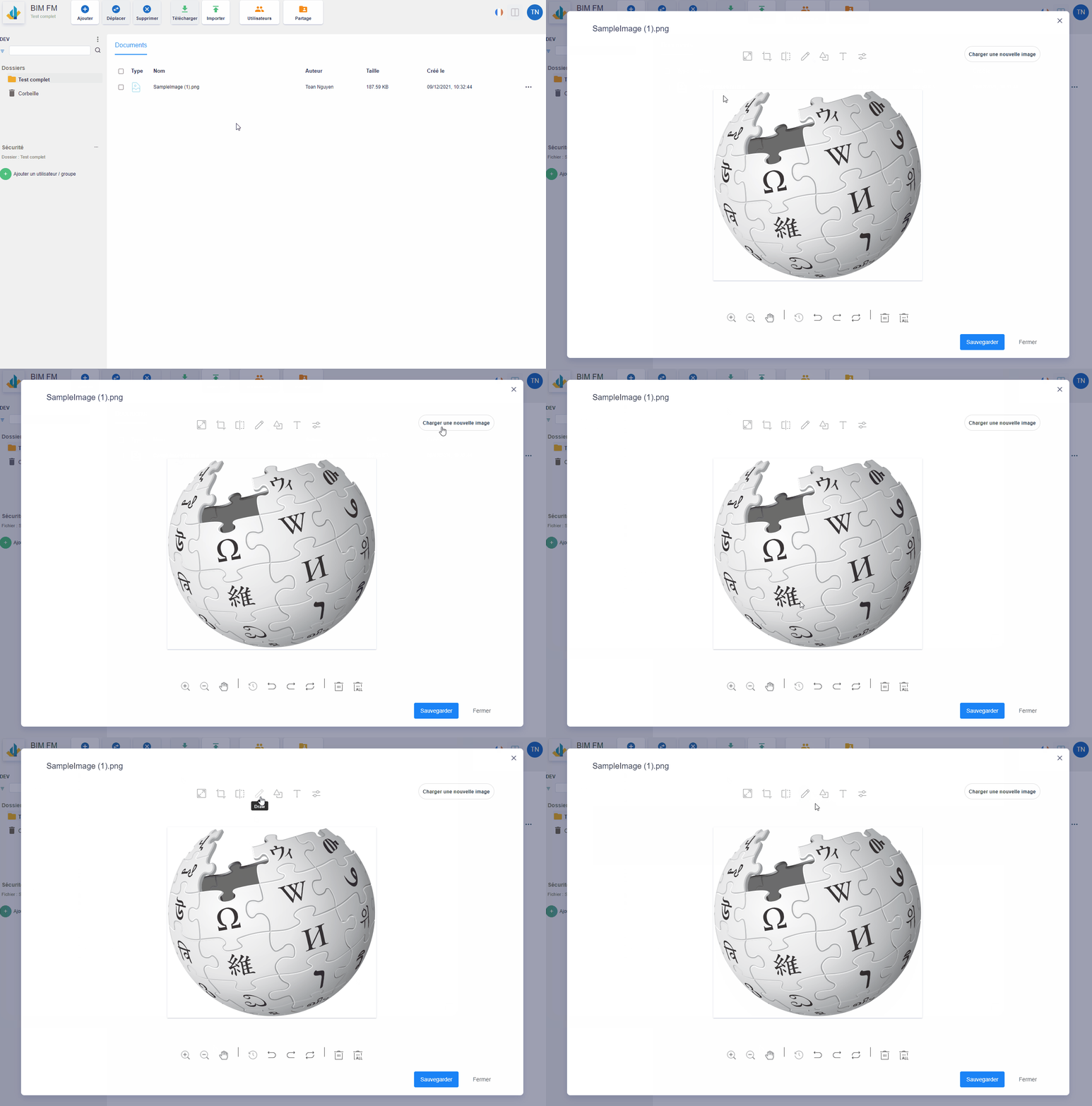
Many options are available to edit your image:
- Resize your image,
- Crop your image,
- Image symmetry,
- Draw on the image,
- add text,
- Add filters on the image,
- Change the image to another
You can save all these modifications which will then overwrite the current image
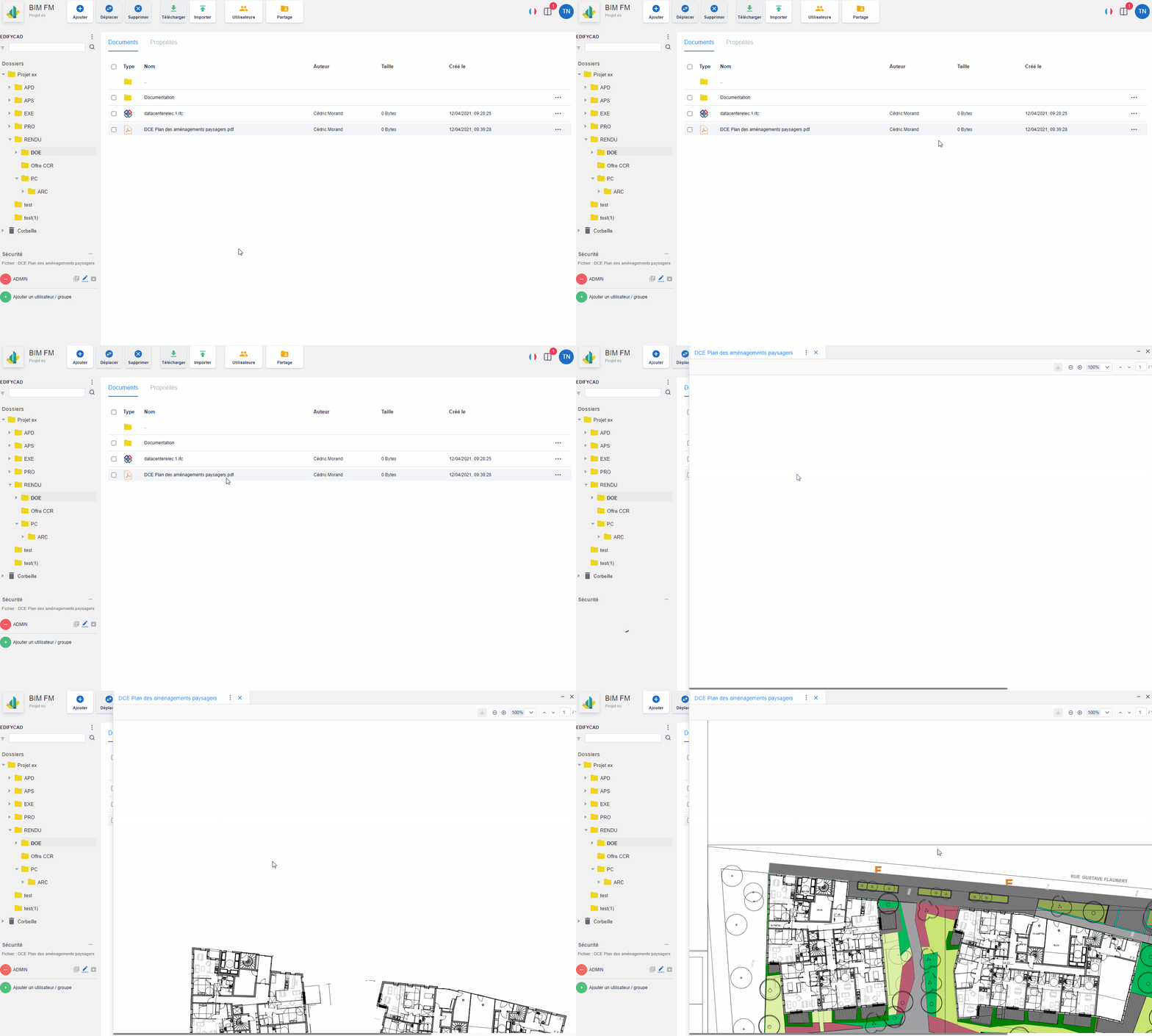
- View a PDF file
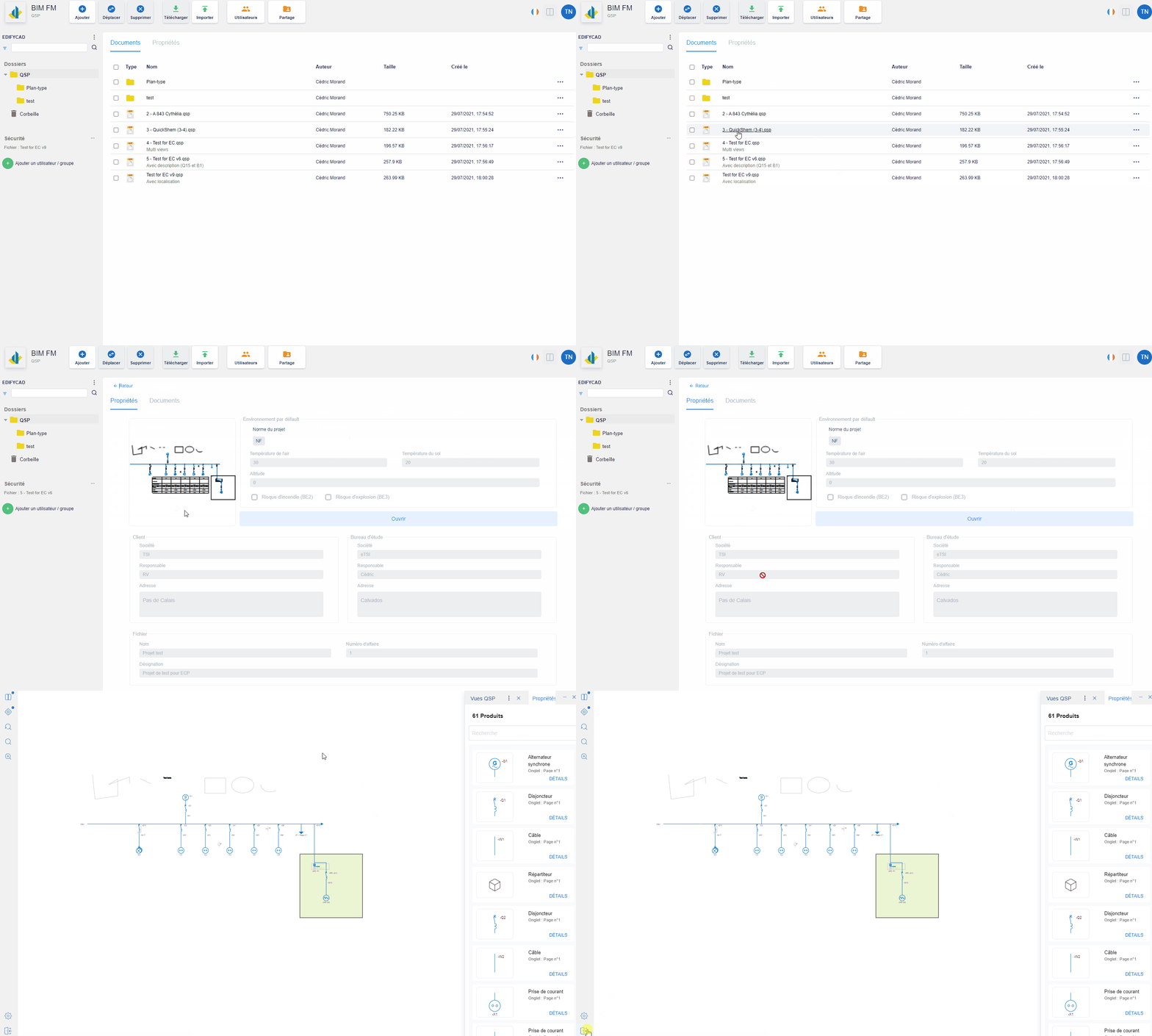
- View a QSP file
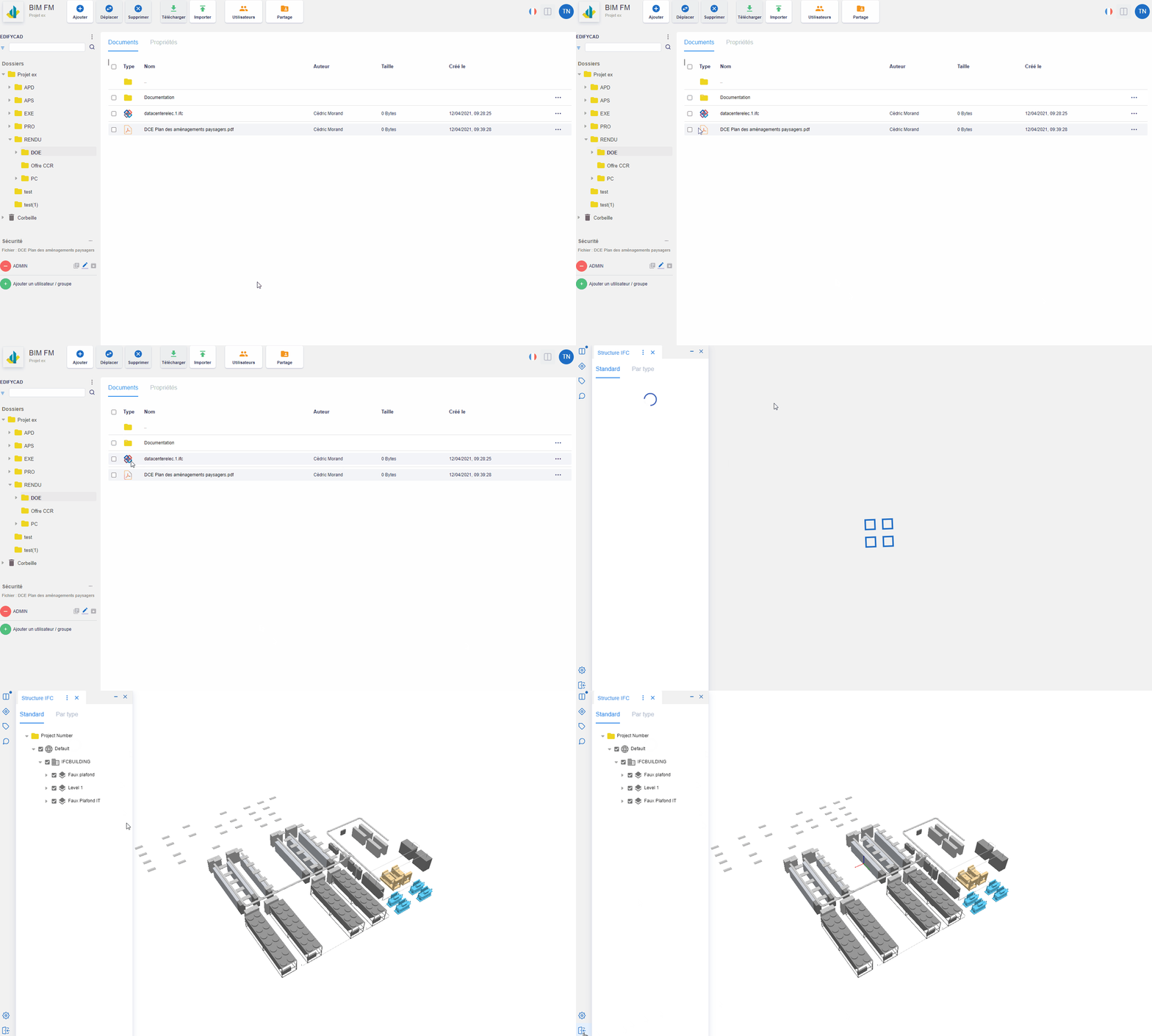
- View an IFC file